Wanting everything at once
Lessons, invoices, horses, a shop and a newsletter in one weekend is beyond anyone. The team loses the overview and falls back on the old way.
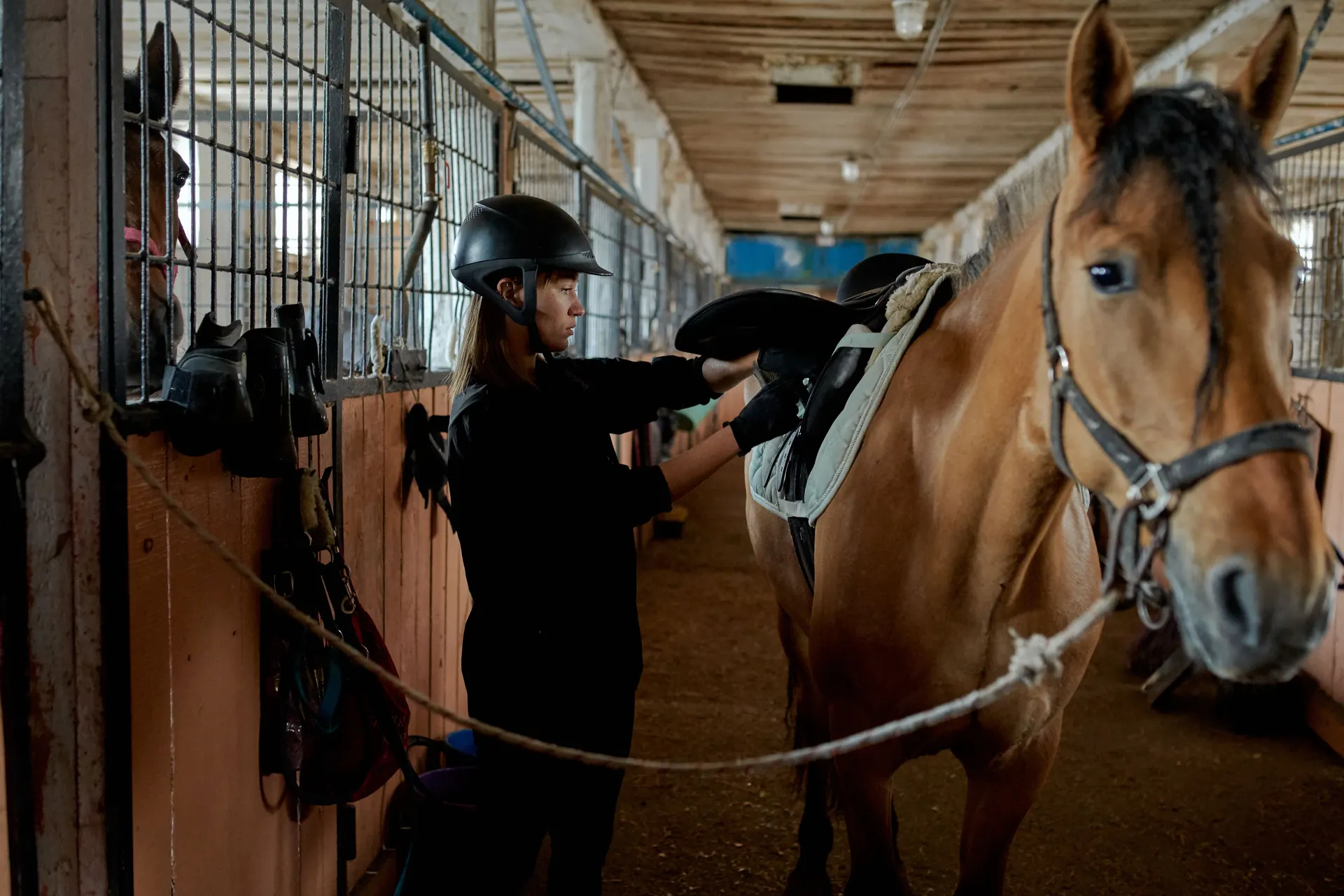
Digitising a riding school or livery yard means bringing the information that now lives in different places, such as the lesson timetable, the client list, which horse works which lesson and the invoices, into one place that everyone who needs it can reach. The aim is not to put everything on a computer. The aim is less double entry and fewer mistakes: a lesson planned once appears automatically for the rider, the instructor and on the invoice.
The gain rarely comes from one big feature. It comes from dozens of small moments a week: a rider who moves her own lesson instead of phoning, an instructor who sees on his phone that a school horse has already done two lessons today, an invoice that counts the right number of lessons on its own. Add those moments up and a yard of average size quickly saves several hours a week.
Digitisation usually fails on sequence, not on software. Try to change everything at once and you lose your staff and your clients along the way. Start with the task that costs the most time today, and only expand once that one task runs smoothly.
Spreadsheets deserve a fair word here: for a client list or a price list they are fine, and you will reuse those files later. Where they break down is everything that depends on something else. A timetable in cells does not know that a school horse has already done three lessons, an invoice in a spreadsheet does not count that month's lessons by itself, and a change to the timetable never reaches the rider. Those links are exactly what yard software adds.
Each step can be finished before the next one starts. Allow two to six weeks for the whole plan, depending on the size of the yard.
For one week, note how much time goes to scheduling, phone calls and messages, invoicing and simply looking things up. The biggest item decides where you start. At most riding schools that is lesson scheduling and the communication around it; at livery yards it is invoicing.
A system is only as good as the data you put in it. Make one clean list of clients with email and phone number, one list of horses with owner and particulars, and one overview of your stables, fields and arenas. It is the dullest part of the job and the part that makes everything after it easy.
Take the task from step one and move only that. For lessons this means entering your regular lessons as templates, linking the school horses and scheduling the first two weeks yourself. For invoicing it means setting prices per client, livery package or stable and running one month in parallel with your old method.
Only when the timetable is right do you invite clients in. Explain in one message what they now do themselves: book lessons, check their lesson card, book the arena. Keep answering the phone for a fortnight for anyone who cannot find it, then point everyone consistently to the app.
Once lessons and clients run, add the horse records, the livery and stabling administration and automatic reminders. Each of those hangs off the base data from step two, so this goes quickly.
Digitisation is finished when the whiteboard is empty and the WhatsApp group is for chat only. As long as two systems exist side by side, people keep using the old one and the double work stays.
They come from conversations with yards that tried before and gave up halfway.
Lessons, invoices, horses, a shop and a newsletter in one weekend is beyond anyone. The team loses the overview and falls back on the old way.
Riders and liveries need time to get used to it. Announce the change early, let a few regulars test first and use their experience when you explain it to the rest.
Former clients, duplicate horses and outdated prices cause confusion from day one. Half a day of cleaning up beforehand saves weeks of trouble afterwards.
Someone has to look after the system and field questions during the first months. Without that role it stalls at the first busy teaching week.
Tick off what is done; everything ticked means the old tools can go.
Allow two to six weeks from first data entry to the moment clients book their own lessons, depending on the number of lessons and clients. Entering the base data takes the most time; daily use afterwards takes less time than before.
Usually, yes. A clean client or horse list in a spreadsheet is a good basis to enter or import. A lesson timetable in a spreadsheet is better converted into templates in the system, because a timetable in cells has no link to clients and horses.
It happens, especially with older clients or parents of young riders. Keep the option to book on their behalf; most systems allow that. In practice most people switch within a few weeks once they see it is faster than phoning.
Yes, and early. Agree which exports the accountant needs and test them on the first month of invoices. That way you avoid retyping figures by hand at the end of the quarter.
Enter your regular lessons as templates in EquiManage and see how the first step of the plan works in practice. Free, no credit card.
Get started free
Choosing software3 min read
The best horse apps of 2026 by category: ride tracking, care and health, safety, and yard or stable apps. Nine apps with platforms and the price shown on each site, checked in October 2026.
Read the article
Choosing software4 min read
Nine stable management systems for livery yards, riding schools and barns side by side, checked in October 2026: target group, lessons and invoicing, platforms and the price shown on each site.
Read the article
Choosing software2 min read
A factual comparison of riding school and stable management software for Belgium and the Netherlands: EquiManage, ManegePlan, Equicty, EquineM, Stalmanager, HorseManager and Manege.app.
Read the article